
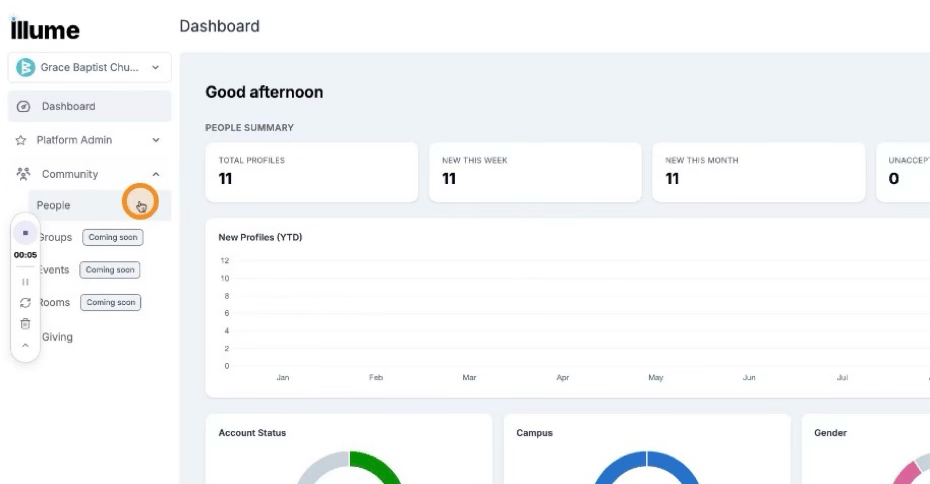
Step 1: Open the People Section in Community
Navigate to the Community area in Loom, then click People.
 Step 2: Access the Manage Area
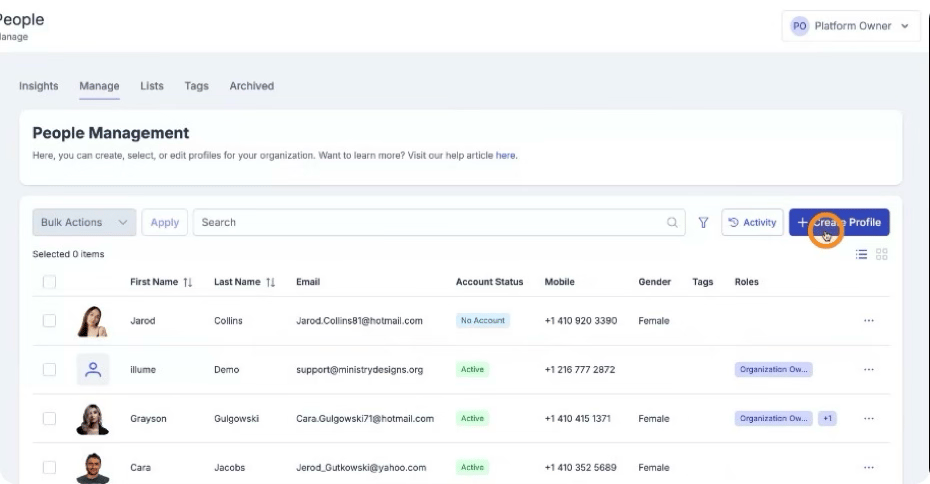
Click Manage to open the management options for people.
Step 3: Start Creating a New Profile
Click Create and then select Profile to begin adding a new member.
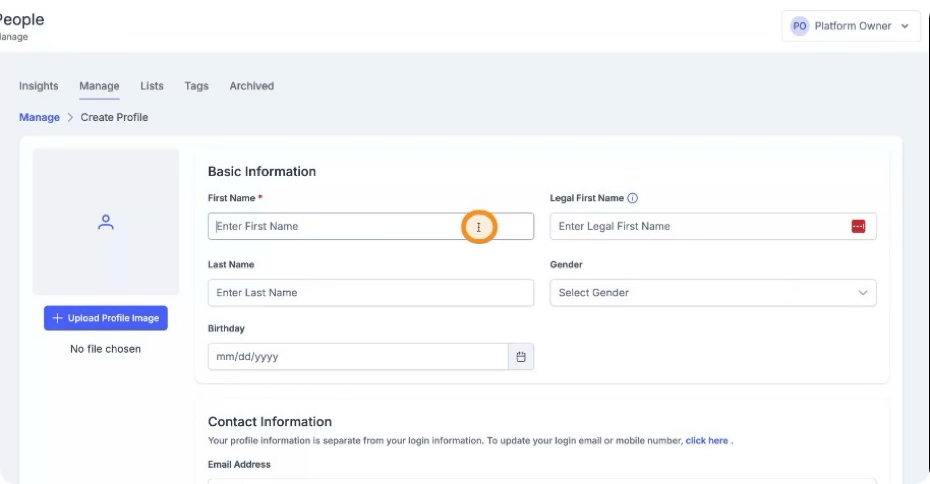
 Step 4: Enter Member Information
Fill in all relevant member details in the profile form, such as name, contact information, and any other required fields.
 Step 5: Save the New Profile
When all information has been entered, click Create Profile to save. The new member profile is now created in your church account on Loom.