
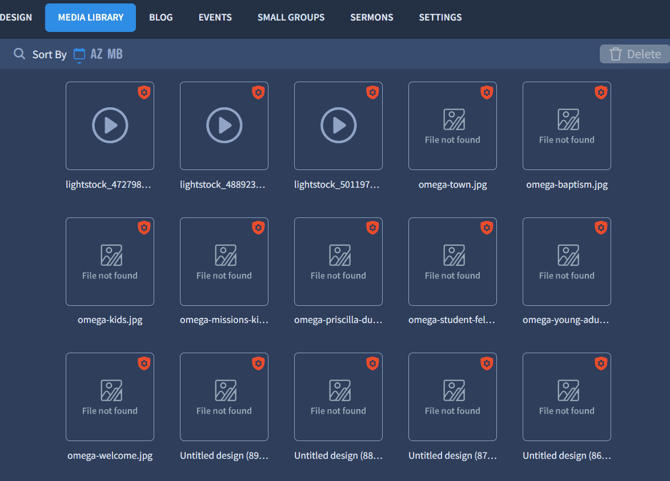
This error occurs when your Media Library is configured for a different domain than the one currently being used. Specifically, if the domain listed in Settings > General > Website Address doesn’t match the one in your browser, the “Files Not Found” error will appear..png?width=670&height=323&name=%D0%97%D0%BD%D1%96%D0%BC%D0%BE%D0%BA_20260201_160025%20(4).png)
You have two options to resolve this:
-
Revert to the original domain – Change your Website Address back to the one currently displayed in your browser tab.
-
Use a new domain – If you want to switch to a new domain, please contact our Support Team for assistance.