
Locate and click on the widget which opens up the pop up. The widget menu will open up to the right.
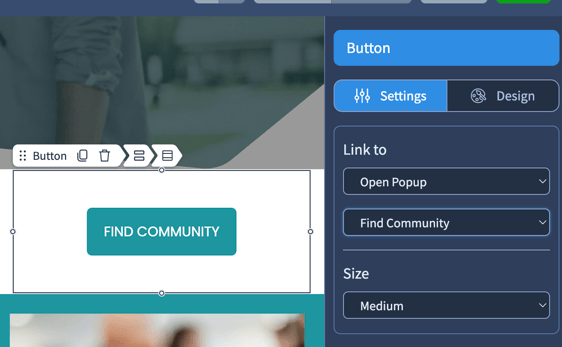
The widget can be deleted with the trash can icon, or the function can be changed under the LINK TO drop down menu.
If you wish to permanently delete a pop up, cancel or save the current page and navigate to the left side of your screen. Here you have the option to move between PAGES and POPUPS.
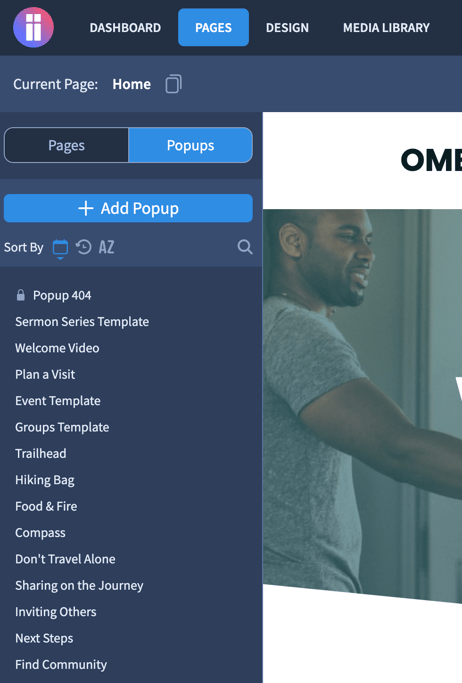
Click on POPUPS to enter the menu. Here you will see a list of your popups. Hover over the popup you would like to delete and notice there are three icons just off to the right. Select the trash can icon.

Your pop up is now deleted. Remember to either delete your widget or link it to something else within your website.