
In order to download the Easter 2026 page, make sure you're in "Pages" section and click "Download Pages" button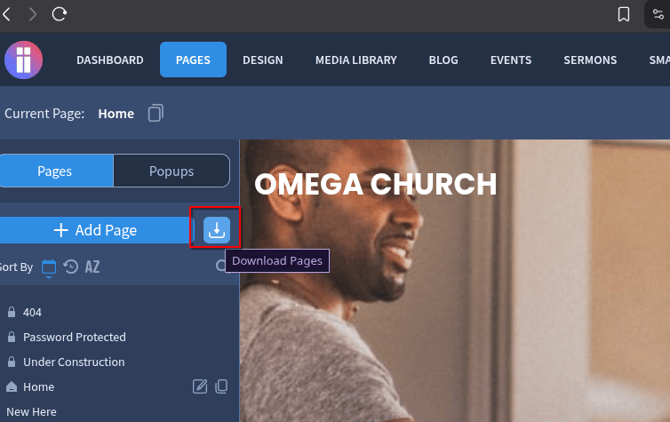
If you don't see the Download Pages button, you're using Omega 2.0 Lite which doesn't include such option
Select the "Easter" category and click "Download" on the new design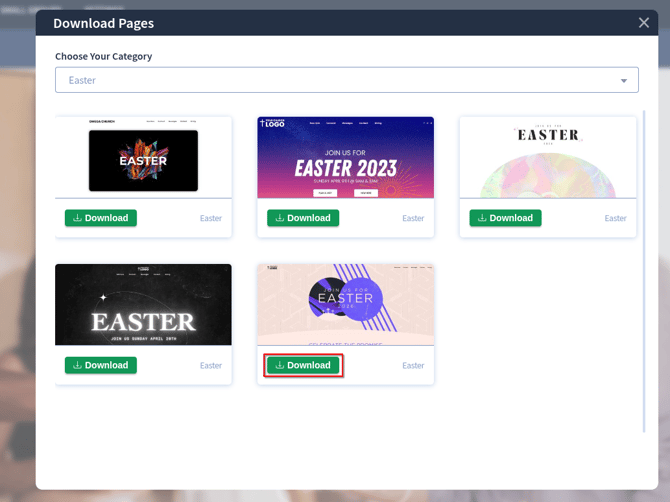
Click "Continue" to confirm the installation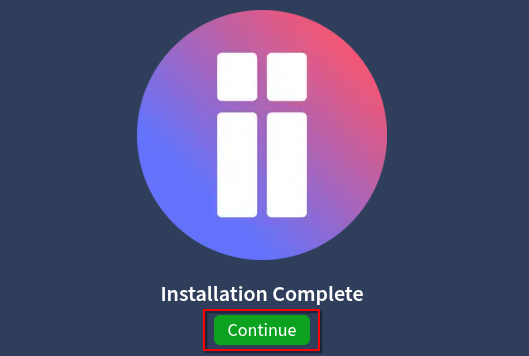
Close the "Download Pages" window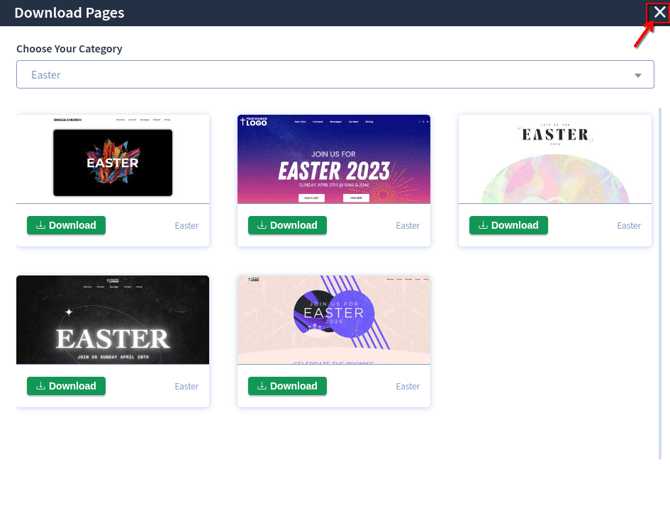
The new page will appear at the bottom of the page list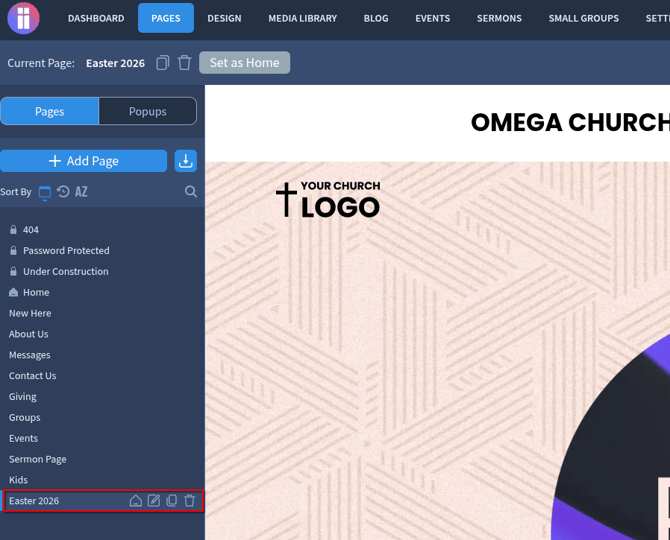
In case you downloaded the page and see broken images instead of the actual images please make sure that your website theme is up-to-date as the new theme update includes the Easter images
You can update your website theme in Settings - Updates: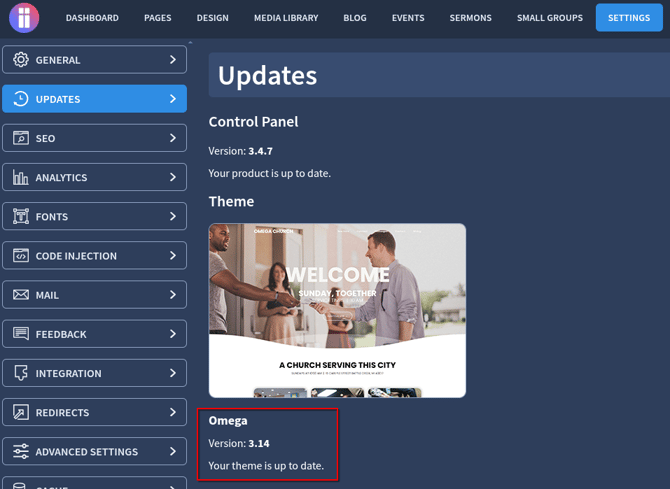
If there are still any issues or questions, please do not hesitate to reach out to us